What Is Nano Banana AI? Tool, Features, and Use Cases
Learn what Nano Banana AI is, how it works, what it is best for, and how creators use it for AI image generation, editing, product photos, thumbnails, and social media visuals.
What Is Nano Banana AI?
Nano Banana AI is a browser-based AI image generation and editing tool that helps users create images from text prompts, transform existing images, and prepare practical visuals for product photos, social media posts, creator thumbnails, design mockups, and creative projects. In simple terms, Nano Banana AI is useful when you need a new image or a changed image quickly, without starting from a blank design canvas.
If you want to try the tool directly, start with the Nano Banana AI Image Generator. If you want a broader product explanation first, read What Is Nano Banana?.
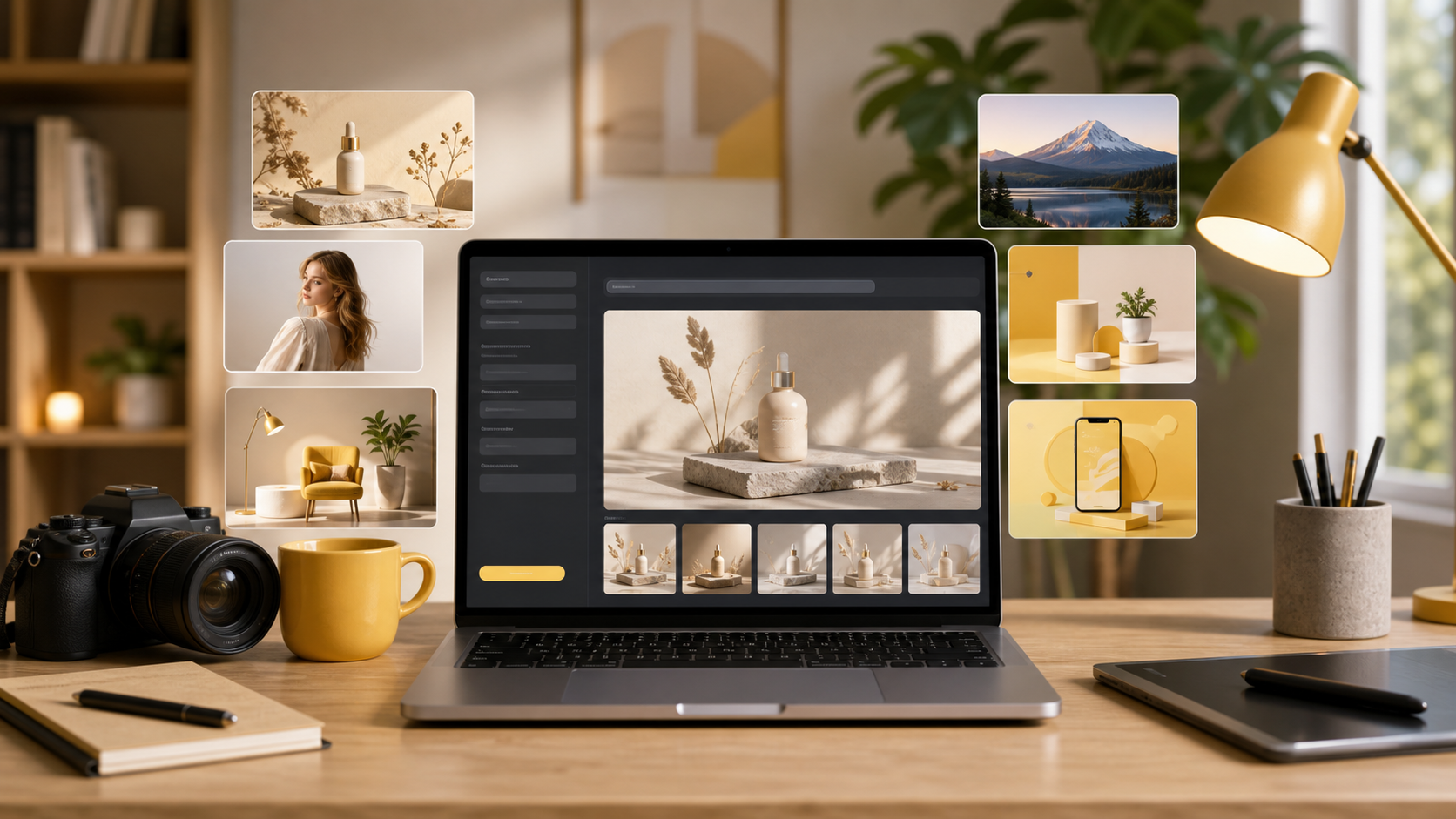
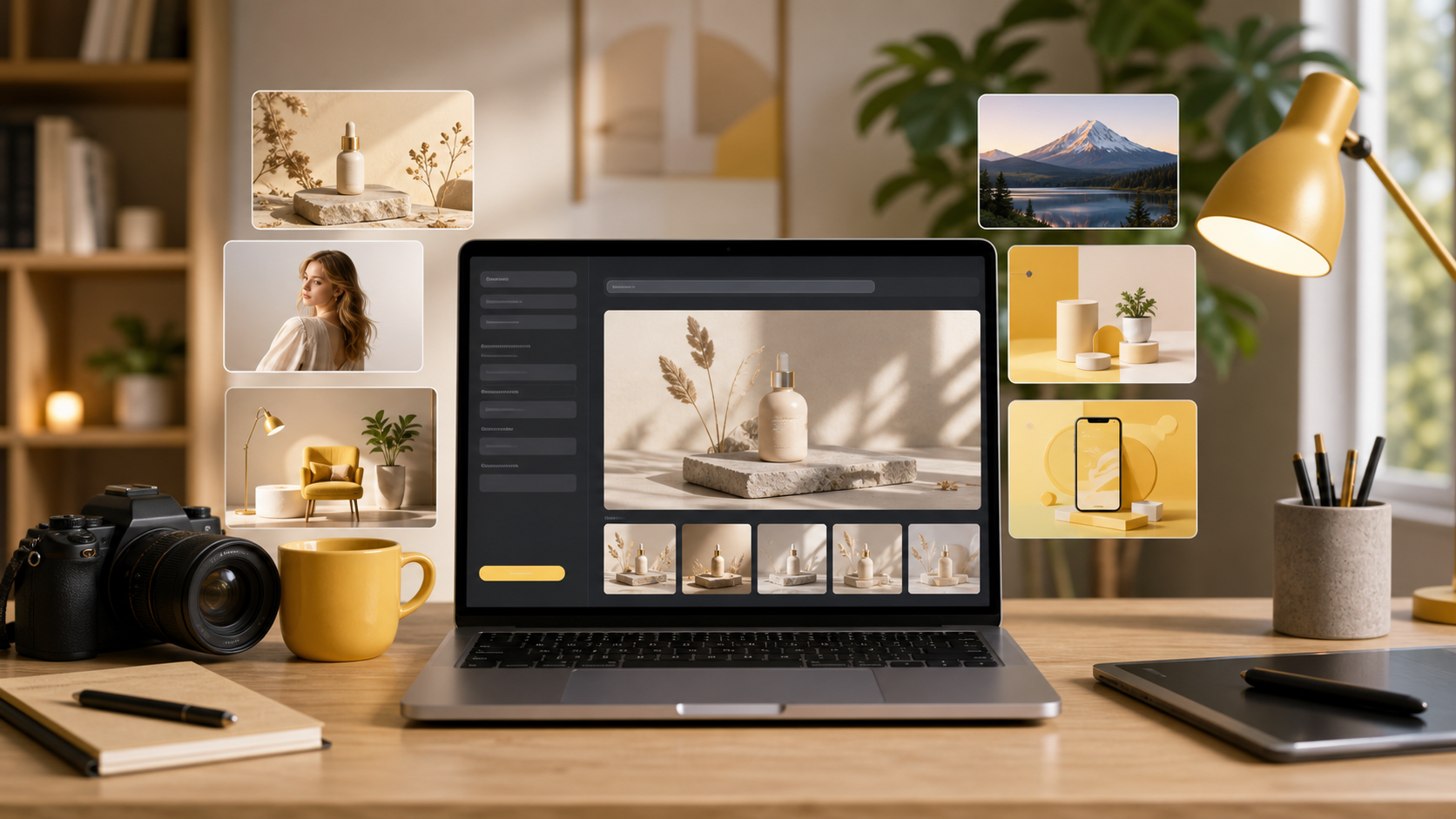
Nano Banana AI is built around a creator workflow: describe the visual, generate options, compare outputs, and refine the result.
What does Nano Banana AI mean?
Nano Banana AI refers to the AI-powered image creation and editing experience behind Nano Banana. The "AI" part matters because the user does not need to manually draw every element. Instead, the user gives instructions, uploads a source image when needed, and asks the system to produce a visual result.
That makes Nano Banana AI especially helpful for early creative work. A user can test product photo directions, thumbnail ideas, campaign visuals, blog images, and design concepts before spending time on a full design layout.
The basic idea is:
| User input | Nano Banana AI output |
|---|---|
| A text prompt | A newly generated image |
| A source image plus instructions | An edited or transformed version |
| A use case such as product photo or thumbnail | A more practical visual direction |
| Style details such as lighting or camera angle | A result closer to the intended look |
| Several prompt variations | Multiple options to compare |
This is why Nano Banana AI should be understood as an image generation and image editing workflow, not only as an art toy.
How does Nano Banana AI work?
Nano Banana AI works by translating user instructions into visual output. The user describes what should appear in the image, how it should look, and what it will be used for. The system then generates an image or edits an uploaded image based on that instruction.
A typical Nano Banana AI workflow looks like this:
- Choose a text-to-image or image-to-image workflow.
- Describe the subject, style, scene, composition, and purpose.
- Generate a first result.
- Compare the output against the intended use case.
- Refine the prompt or edit the image again.
- Save the best result or use it in a larger design workflow.
For pure prompt-based creation, use text-to-image. For transforming an uploaded image, use image-to-image. For prompt examples, use the Nano Banana prompts gallery.
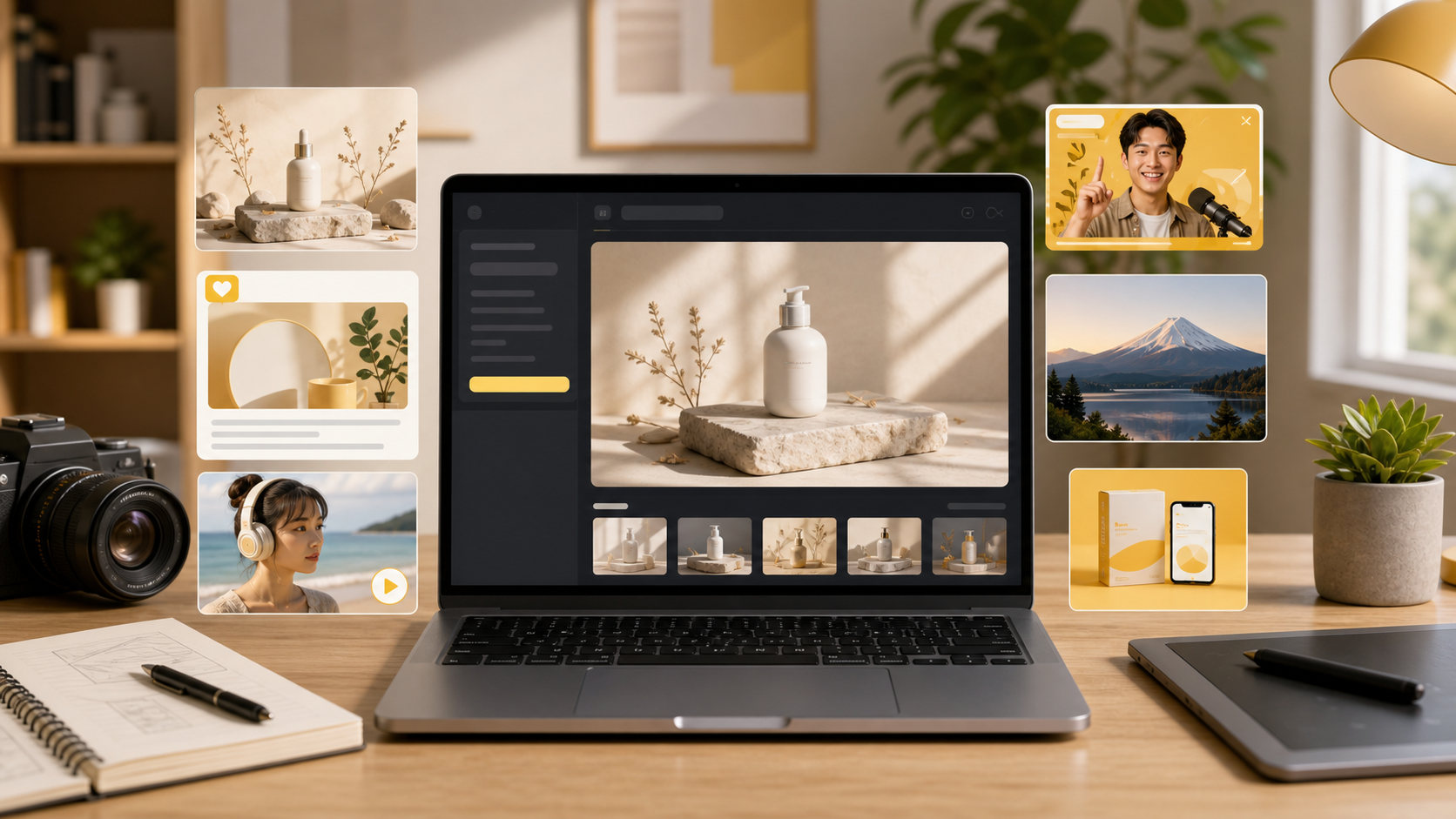
A strong Nano Banana AI prompt should include the subject, style, background, lighting, composition, and intended use case.
Key features of Nano Banana AI
Nano Banana AI is useful because it combines fast image generation with practical creator workflows. The most important features are not only technical features, but the jobs they help users complete.
| Feature | What it helps users do |
|---|---|
| Text-to-image generation | Create a new image from a written prompt |
| Image-to-image editing | Start from a source image and change the result |
| Prompt refinement | Improve results by changing subject, style, lighting, or composition |
| Output comparison | Review multiple generated options before choosing one |
| Product-style image creation | Explore ecommerce and catalog-style visual ideas |
| Social media visual creation | Prepare posts, thumbnails, and campaign assets faster |
| Browser-based workflow | Create images without installing a heavy design application |
The practical advantage is speed. Instead of planning a full photo shoot or building every visual from scratch, a creator can generate several directions, keep the strongest one, and continue editing.
Best use cases
Nano Banana AI is best for users who need usable visuals quickly. It is not limited to one audience.
Common use cases include:
- Ecommerce sellers testing product photo ideas.
- Marketers preparing campaign visuals and ad concepts.
- YouTube creators exploring thumbnail directions.
- Social media creators making post images.
- Designers creating early moodboards or mockup imagery.
- Founders building visuals for landing pages or pitch decks.
- Bloggers adding custom article images.
- Casual users creating portraits, scenes, or creative experiments.
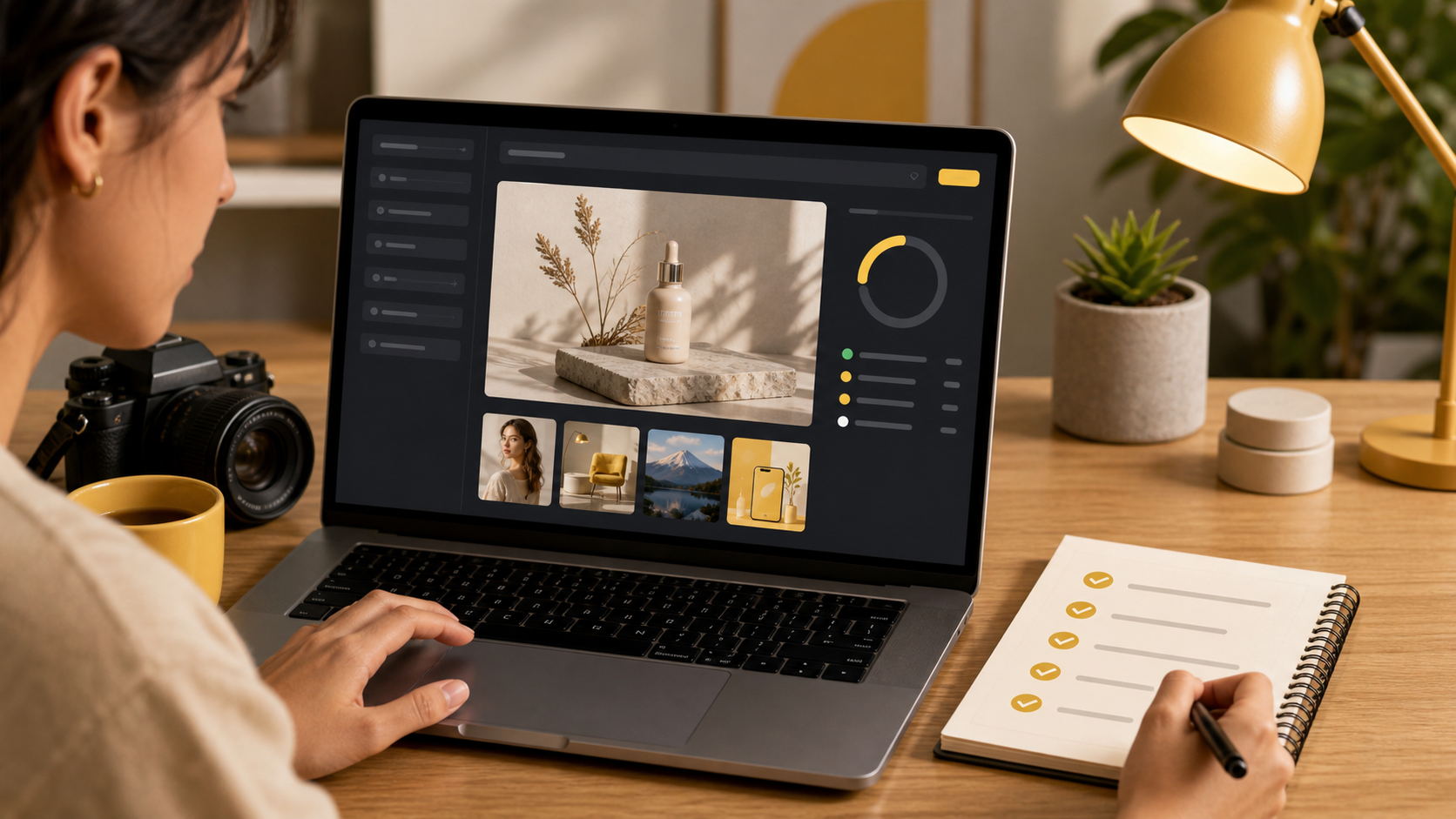
Nano Banana AI is most useful when users compare several outputs and refine the best direction instead of expecting one perfect first result.
Nano Banana AI vs a full design suite
Nano Banana AI and a full design suite are not the same thing. A full design suite is usually better for arranging final layouts, adding text, managing brand assets, and building multi-page designs. Nano Banana AI is better when the main task is creating or changing the image itself.
| Category | Nano Banana AI | Full design suite |
|---|---|---|
| Main job | Generate or edit images | Arrange finished layouts |
| Best starting point | Prompt or source image | Template, canvas, or brand kit |
| Best for | Product visuals, thumbnails, image concepts | Presentations, posts, documents, brand layouts |
| Speed for new image ideas | High | Depends on available assets |
| Can work together? | Yes | Yes |
For example, a creator might use Nano Banana AI to generate a product-style image, then place that image into Canva for a final social post. That is a practical combination: Nano Banana creates the visual, and the design tool finishes the layout.
Pros and limitations
Nano Banana AI has clear strengths, but users should understand its limits.
| Pros | Limitations |
|---|---|
| Fast image exploration | Results may need prompt refinement |
| Useful for practical creator workflows | Not a full replacement for layout tools |
| Works from text prompts or source images | Exact text inside generated images can be unreliable |
| Helps create custom article and marketing visuals | Complex brand systems still need design review |
| Good for testing visual directions | Final commercial assets may need human QA |
The best way to use Nano Banana AI is to treat it like a visual drafting tool. It can generate strong directions quickly, but the user still chooses, edits, and validates the final image.
How to start with Nano Banana AI
Start with a specific goal. Instead of writing a vague prompt such as "make a cool image," decide what the image is for.
For example:
Create a realistic ecommerce product photo of a matte black water bottle on a clean light gray studio background, soft shadow, centered composition, premium product photography, no text.This prompt is stronger because it includes the subject, use case, background, lighting, composition, style, and a constraint. If the first result is close, refine one or two details at a time.
For a step-by-step workflow, read How to Use Nano Banana.
Frequently asked questions
What is Nano Banana AI?
Nano Banana AI is a browser-based AI image generation and editing tool that helps users create images from text prompts, transform existing images, and prepare visuals for product photos, social media, thumbnails, design mockups, and creative projects.
How does Nano Banana AI work?
Nano Banana AI works by taking a user prompt or source image, interpreting the requested subject, style, composition, and purpose, then generating or editing an image based on those instructions.
What is Nano Banana AI best for?
Nano Banana AI is best for fast AI image creation, prompt-to-image experiments, image-to-image editing, ecommerce product visuals, creator thumbnails, social media assets, and early design concepts.
Is Nano Banana AI only for designers?
No. Nano Banana AI is useful for designers, marketers, ecommerce sellers, founders, creators, and casual users who need practical images without building a full design workflow from scratch.
Can Nano Banana AI edit existing images?
Yes. Nano Banana AI can support image-to-image workflows where users start from an uploaded image and ask the tool to change the scene, style, background, subject details, or overall visual direction.
How is Nano Banana AI different from Canva?
Nano Banana AI focuses on generating and editing the image itself, while Canva is stronger for finished layouts, templates, brand kits, presentations, and multi-page design workflows.
Categories
More Posts
Is Nano Banana Free? Plans, Credits, and What to Expect
Find out whether Nano Banana is free, how free usage differs from paid plans, when credits may matter, and how to choose the right AI image generation workflow.
Advanced Image Editing Techniques with AI
Master professional image editing using Nano Banana's advanced AI tools
What Is Nano Banana? AI Image Generator Explained
Learn what Nano Banana is, how it works, who it is best for, and how creators use it for AI image generation, editing, product photos, and social media.
Newsletter
Join the community
Subscribe to our newsletter for the latest news and updates