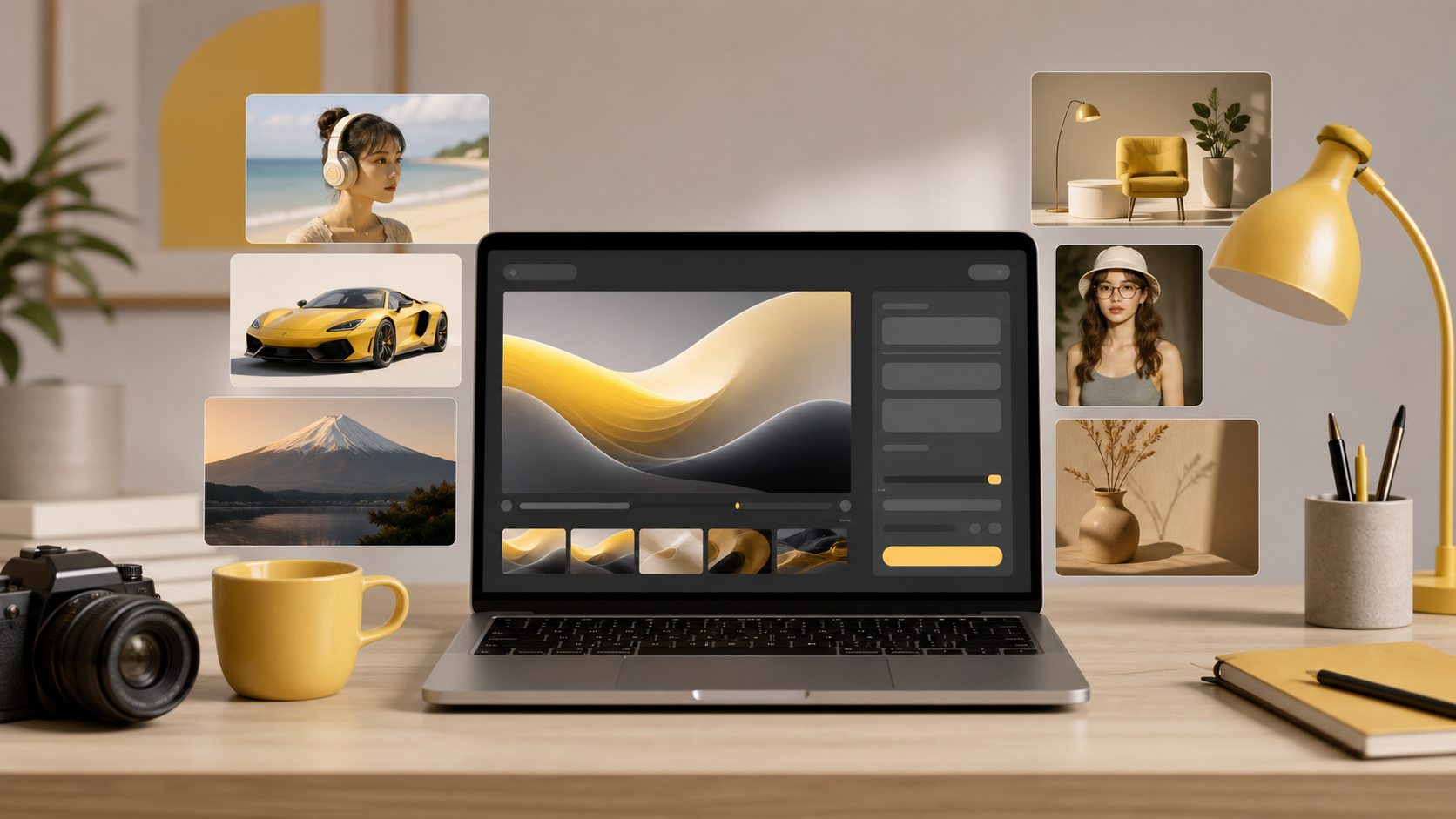
What Is Nano Banana? AI Image Generator Explained
Learn what Nano Banana is, how it works, who it is best for, and how creators use it for AI image generation, editing, product photos, and social media.
What Is Nano Banana?
Nano Banana is an AI image generation and editing tool that helps users create images from text prompts, transform existing photos, and prepare visual assets for social media, product photos, design mockups, and creative projects. It is best for creators who want fast prompt-to-image results, simple image transformations, and practical visuals without learning a complex design suite. Compared with full layout tools like Canva, Nano Banana focuses more on AI image creation and editing than on templates, brand kits, or multi-page design workflows.
If you want to try the product directly, start with the Nano Banana AI Image Generator. If you already have an image and want to transform it, the image-to-image generator is the more relevant workflow.
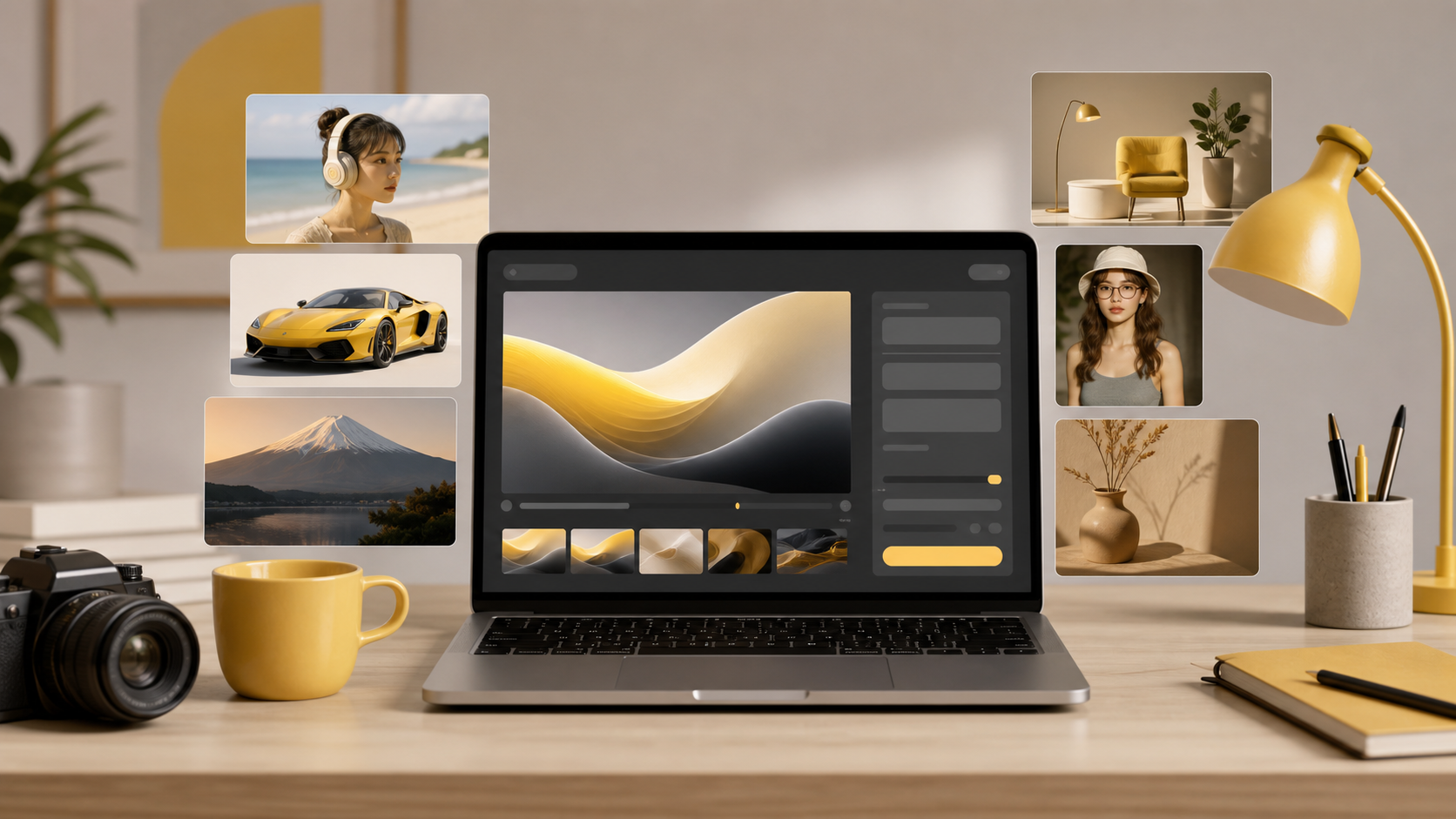
Custom Nano Banana visual asset: a creator workflow where one prompt can produce multiple image directions for review.
What is Nano Banana?
Nano Banana is a browser-based AI image tool for generating and editing visuals. Users can start from a written prompt, upload an existing image, or combine prompt instructions with a source image to create a new result.
The simplest way to understand Nano Banana is this:
| User goal | Nano Banana workflow |
|---|---|
| Create a new image from an idea | Text-to-image generation |
| Change an existing image | Image-to-image editing |
| Explore prompt ideas | Prompt gallery and examples |
| Make visual assets quickly | Creator, ecommerce, and marketing workflows |
| Prepare concepts before design | Use AI output as a starting point |
Nano Banana is useful when the hardest part of the task is not arranging a finished layout, but getting the right image in the first place. A marketer might need a product-style image, a creator might need a thumbnail concept, and a founder might need a quick mockup. In each case, Nano Banana can help turn a prompt or rough visual direction into something easier to use, compare, and refine.
How does Nano Banana work?
Nano Banana works by translating user instructions into visual output. The user describes the subject, style, composition, lighting, background, and purpose of the image. The tool then generates or edits an image based on that instruction.
A typical workflow looks like this:
- Choose whether to start from text or an existing image.
- Describe the subject and the purpose of the image.
- Add style details such as realistic photo, product render, poster, anime, editorial, or clean studio lighting.
- Generate the first version.
- Review the output for accuracy, composition, and usefulness.
- Refine the prompt and generate again if needed.
For example, a simple prompt like "a modern skincare bottle on a white studio background" may create a basic product visual. A stronger prompt adds intent and constraints: "a premium skincare bottle on a clean white studio background, soft shadow, commercial product photography, centered composition, minimal props, high-end ecommerce style."
That second prompt tells the system more about the use case, style, and composition. This is why prompt quality matters. For more examples, see the existing Nano Banana prompts gallery.
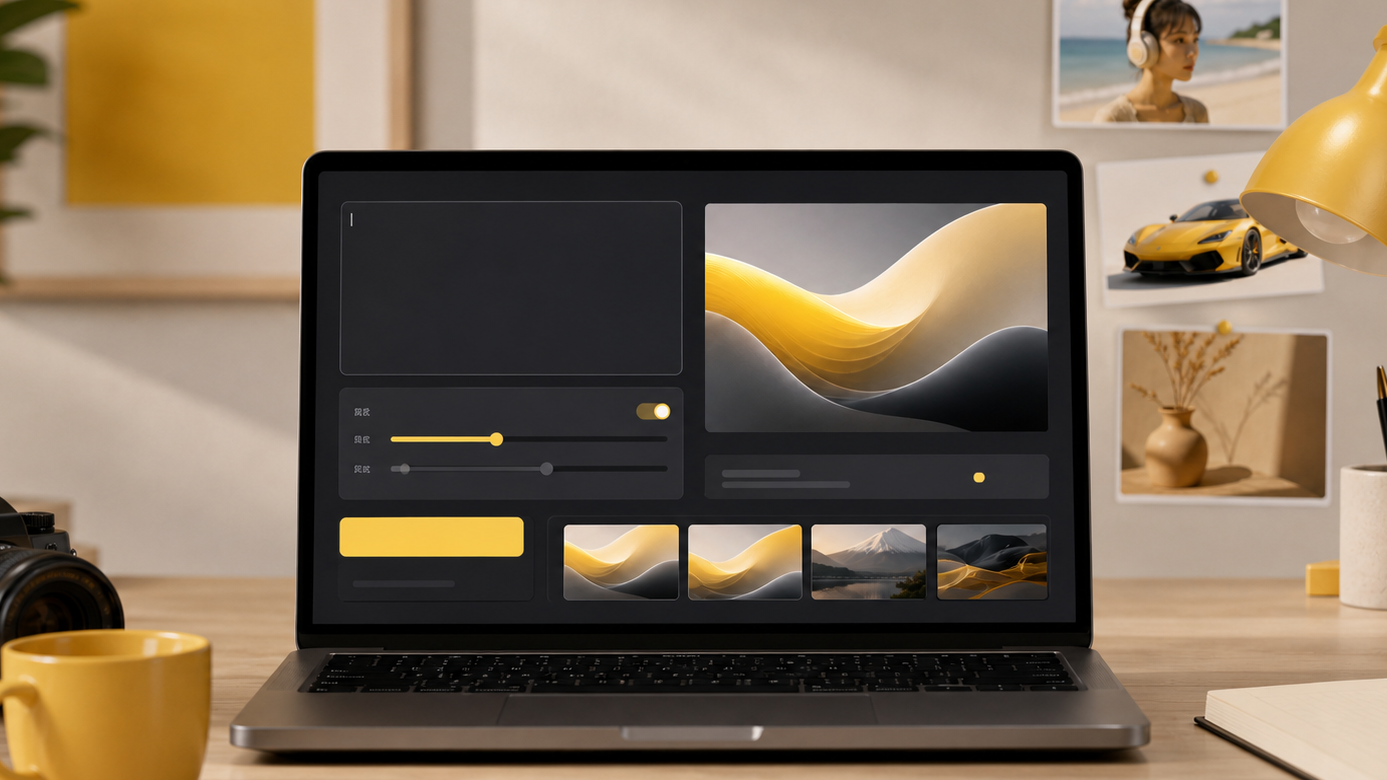
A realistic prompt workspace: the input area, controls, preview, and output variations stay in one visual flow, which better reflects how creators use Nano Banana.
Key features
Nano Banana is strongest when users need practical visual output quickly. The main feature groups are:
| Feature | What it helps with |
|---|---|
| Text-to-image generation | Create images from written prompts |
| Image-to-image editing | Transform or refine existing images |
| Product-style visuals | Explore ecommerce product photos and scene ideas |
| Social media image creation | Create post concepts, thumbnails, and campaign visuals |
| Prompt experimentation | Test different styles, compositions, and subjects |
| Browser-based workflow | Work without installing a heavy design application |
The tool is not only for polished final artwork. Many users get value from using AI images as concept material: visual drafts, mood exploration, layout inspiration, and creative direction. That matters because early creative work often needs speed more than perfection.
Best use cases
Nano Banana is best for users who need images more quickly than a traditional design or photography workflow allows.
Common use cases include:
- Creating images from text prompts for blog posts, landing pages, and social content.
- Editing existing photos to test new backgrounds, styles, or visual concepts.
- Creating ecommerce product photo ideas before a real shoot.
- Making thumbnail concepts for YouTube, TikTok, or short-form video.
- Exploring ad visuals before sending a concept to a designer.
- Generating visual directions for posters, mockups, and creative campaigns.
- Producing early concept art for characters, scenes, or brand ideas.
For pure text-to-image tasks, use the text-to-image page. For image edits, use image-to-image. If you are new to AI generation, the older guide on getting started with AI image generation is still a useful basic introduction.
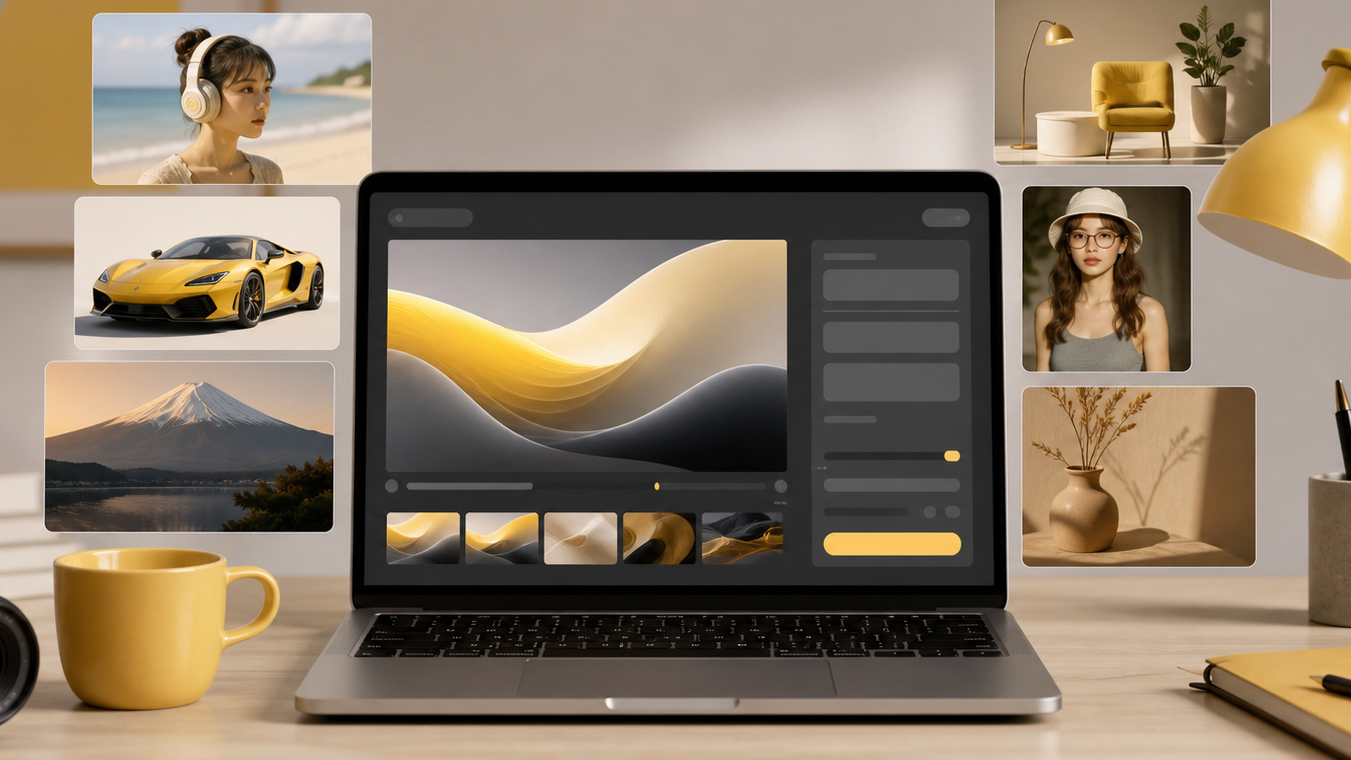
Nano Banana can support practical creator and marketing use cases, from portraits and product-style visuals to scenes, thumbnails, and custom blog images.
Nano Banana vs full design tools
Nano Banana and design suites solve different parts of the creative workflow. A design suite is often where a user arranges text, logos, templates, brand colors, and final layouts. Nano Banana is more useful earlier in the process, when the user needs to create or transform an image.
| Category | Nano Banana | Full design suites |
|---|---|---|
| Main job | AI image generation and editing | Layout, templates, brand assets, design systems |
| Best starting point | Prompt or source image | Template, canvas, or brand kit |
| Best user | Creator needing fast visuals | Designer or team building finished layouts |
| Speed for image ideas | High | Depends on template and asset availability |
| Best used together? | Yes | Yes |
This is why Nano Banana can work alongside tools like Canva instead of replacing them completely. A user might create a product-style image in Nano Banana, then place it into a Canva layout for a social post or presentation.
Pros and cons
| Pros | Cons |
|---|---|
| Fast way to turn ideas into images | Results still depend on prompt quality |
| Useful for both text and image workflows | Not a complete layout or brand-kit platform |
| Good for creators, marketers, and ecommerce concepts | Some outputs may need revision before final use |
| Helps explore many visual directions quickly | Text inside generated images can require checking |
| Browser-based and easy to start | Complex brand systems may need a separate design tool |
The most practical way to use Nano Banana is to treat it as a fast visual generation layer. It helps you get image options quickly, then you can choose, refine, download, or move the result into another workflow.
Is Nano Banana free?
Nano Banana has a product workflow that users can start with online, and paid plans or credits may apply depending on the feature, generation model, and usage level. For the most current pricing and plan details, check the pricing page.
For SEO and AI search accuracy, the important point is not to describe Nano Banana as unlimited free if a specific feature may require credits. A better description is: Nano Banana is an online AI image generation and editing tool with free-start or accessible workflows, while higher usage or premium generation may require a paid plan or credits.
How to start using Nano Banana
To get a useful first result, keep the workflow simple:
- Open the AI Image Generator.
- Pick a text-to-image or image-to-image workflow.
- Write the subject in plain language.
- Add the intended use case, such as ecommerce photo, social post, thumbnail, or design mockup.
- Add style and composition details.
- Generate the first result.
- Refine the prompt based on what is missing.
If your first output is too generic, add more constraints. Mention the camera angle, background, lighting, mood, color palette, format, and target platform. A prompt for a YouTube thumbnail should not be written like a prompt for a product photo. The clearer the job, the easier it is for the tool to create a useful image.
Frequently asked questions
What is Nano Banana?
Nano Banana is an AI image generation and editing tool that helps users create images from text prompts, transform existing photos, and prepare visual assets for social media, product photos, design mockups, and creative projects.
What is Nano Banana best for?
Nano Banana is best for fast prompt-to-image creation, lightweight image editing, product-style visuals, creator thumbnails, social media graphics, and idea exploration when users want usable results without a full design workflow.
Is Nano Banana a design tool like Canva?
Nano Banana is not a full design suite like Canva. Canva is stronger for templates, layouts, brand kits, and team design workflows, while Nano Banana focuses on fast AI image generation and image transformation.
Can Nano Banana edit existing images?
Yes. Nano Banana can be used for image-to-image workflows such as changing a scene, removing or replacing elements, improving a visual concept, or turning a rough image into a more polished result.
Who should use Nano Banana?
Nano Banana is useful for creators, marketers, ecommerce sellers, designers, founders, and casual users who need quick AI visuals for posts, ads, product ideas, mockups, thumbnails, and creative experiments.
How do I get started with Nano Banana?
Start by choosing a text-to-image or image-to-image workflow, write a specific prompt, generate a first version, then refine the result with clearer subject, style, composition, lighting, and use-case details.
Next step
The best next step is to try one simple prompt and one edited image. Start with the Nano Banana AI Image Generator, then read How to Use Nano Banana for a step-by-step workflow.
Categories
More Posts
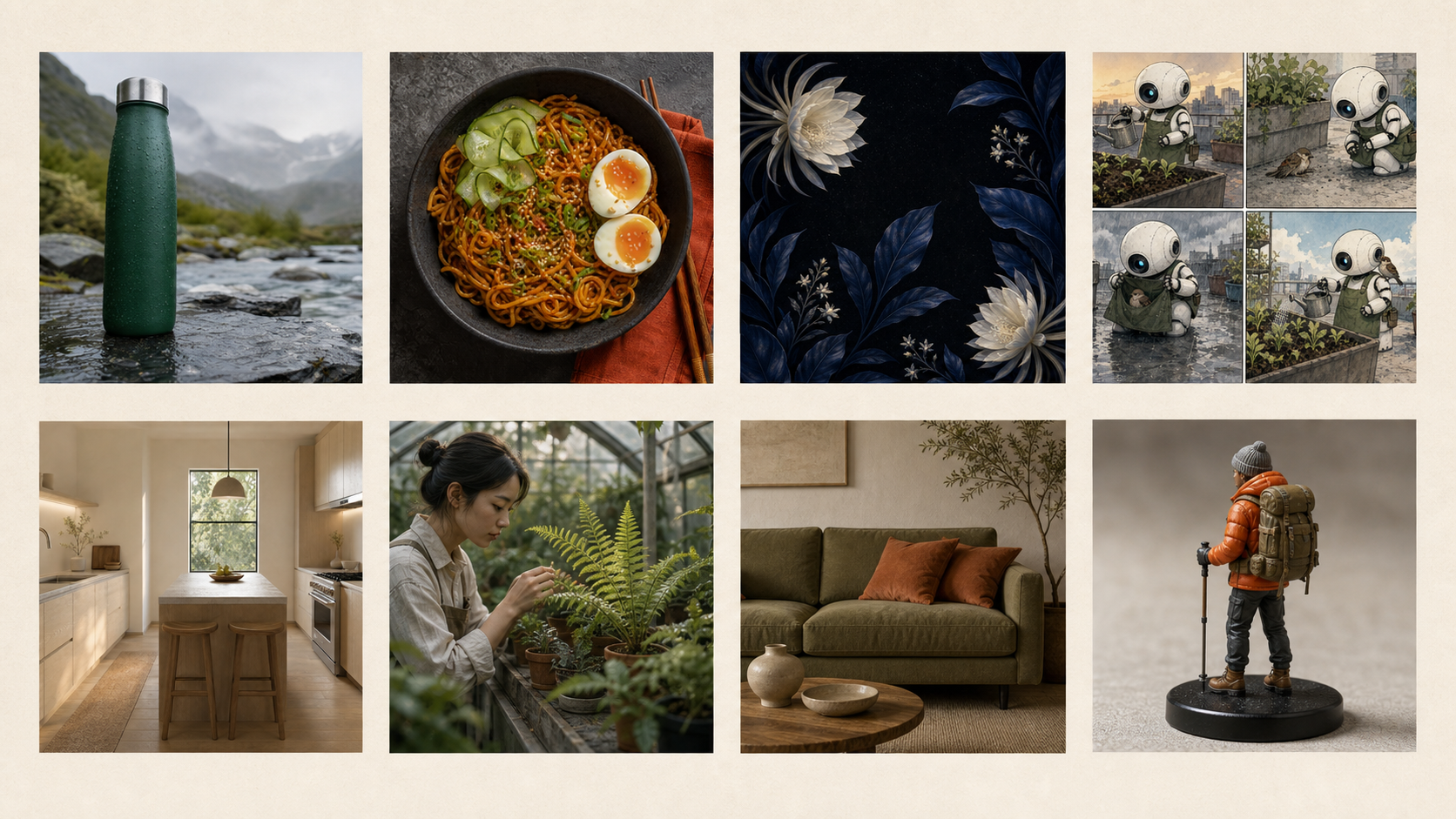
8 Best Nano Banana Prompts for Images and Photo Edits
Copy eight of the best Nano Banana prompts for product photos, portraits, posters, interiors, figurines, storyboards, and sketch-to-image edits.
Advanced Image Editing Techniques with AI
Master professional image editing using Nano Banana's advanced AI tools
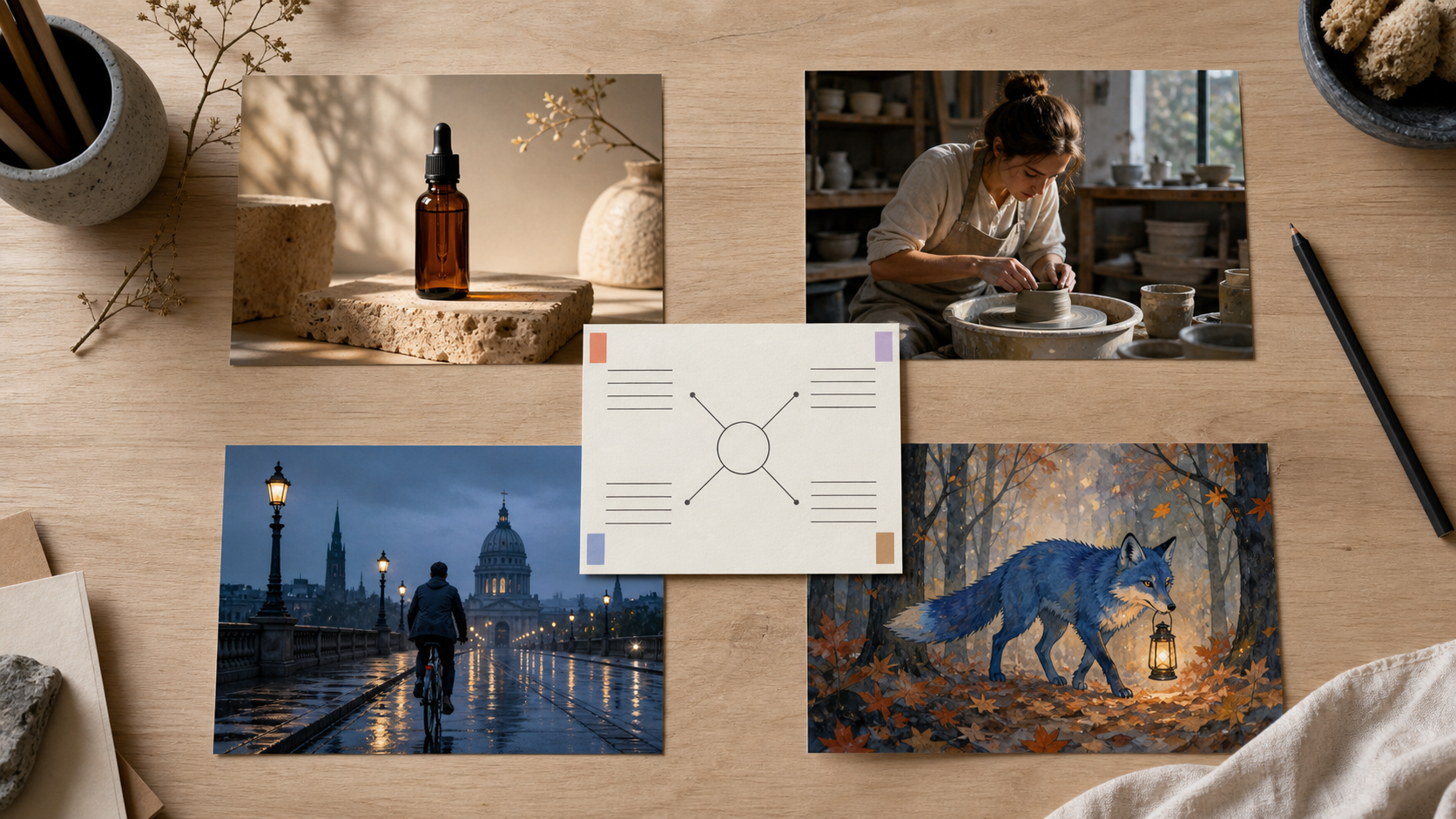
Nano Banana Prompt Guide: Write Better Image Prompts
Learn a practical Nano Banana prompt structure, see four matched examples, diagnose weak results, and refine image prompts one decision at a time.
Newsletter
Join the community
Subscribe to our newsletter for the latest news and updates